Embed Crazy Egg Surveys as form widgets directly in your pages. Unlimited responses, 100% free.
Embed Crazy Egg Surveys as form widgets directly in your pages. Unlimited responses, 100% free.

Disclosure: Our content is reader-supported, which means we earn commissions from links on Crazy Egg. Commissions do not affect our editorial evaluations or opinions.
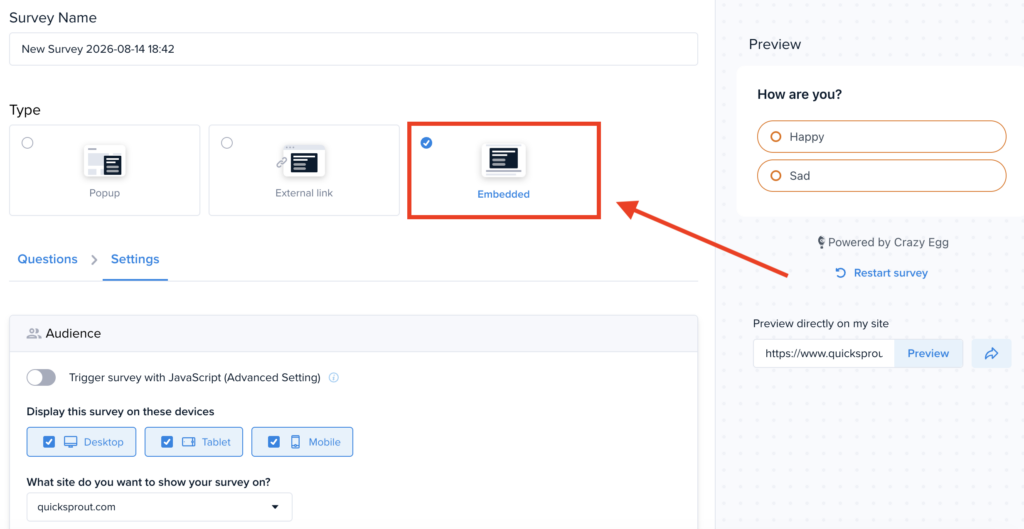
Crazy Egg’s Surveys tool can now be embedded directly inline within your page content, in addition to the existing popup and external link formats. This means you can install it as a handy form widget to collect user information.
Every Crazy Egg account comes with unlimited use of a Surveys tool designed to collect user feedback, sales leads, and support requests from website visitors. These Surveys can:
- Target visitors based on their on-page behavior.
- Perform conditional branching based on how someone answers a question.
- Route responses straight into Slack, email, or your Zapier workflows as soon as they come in.
- Show Session Recordings of your respondents’ behavior on your website.
By embedding Surveys directly in your page content, you can also do things like:
- Sales – Add a lightweight “Contact Us” lead capture form to your landing pages.
- Marketing – Drop a “Was this helpful?” content engagement check at the end of blog posts.
- UX Design – Embed in-context usability feedback forms within the exact UX being evaluated.
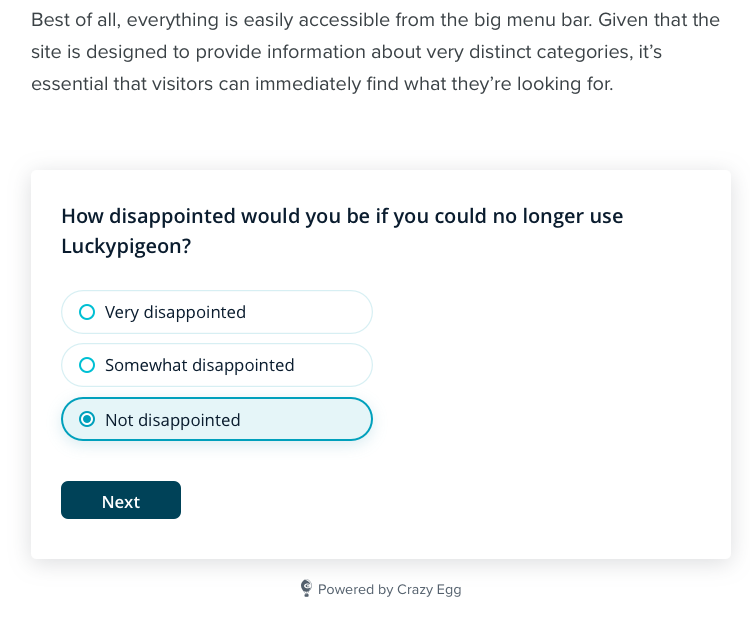
Surveys is already included on every Crazy Egg plan with unlimited responses, 100% free.
To embed any Crazy Egg Survey:
- Click “Create New Survey”
- Under “Type”, select the “Embedded” option.
- Under “Settings”, scroll down to “Placement”.
- Copy the code snippet displayed under “Install this slot on your site”, then paste this into the HTML of the page where you want to embed the Survey widget.